 What The Swift
System Colors on iOS and macOS (SwiftUI, UIKit, AppKit)
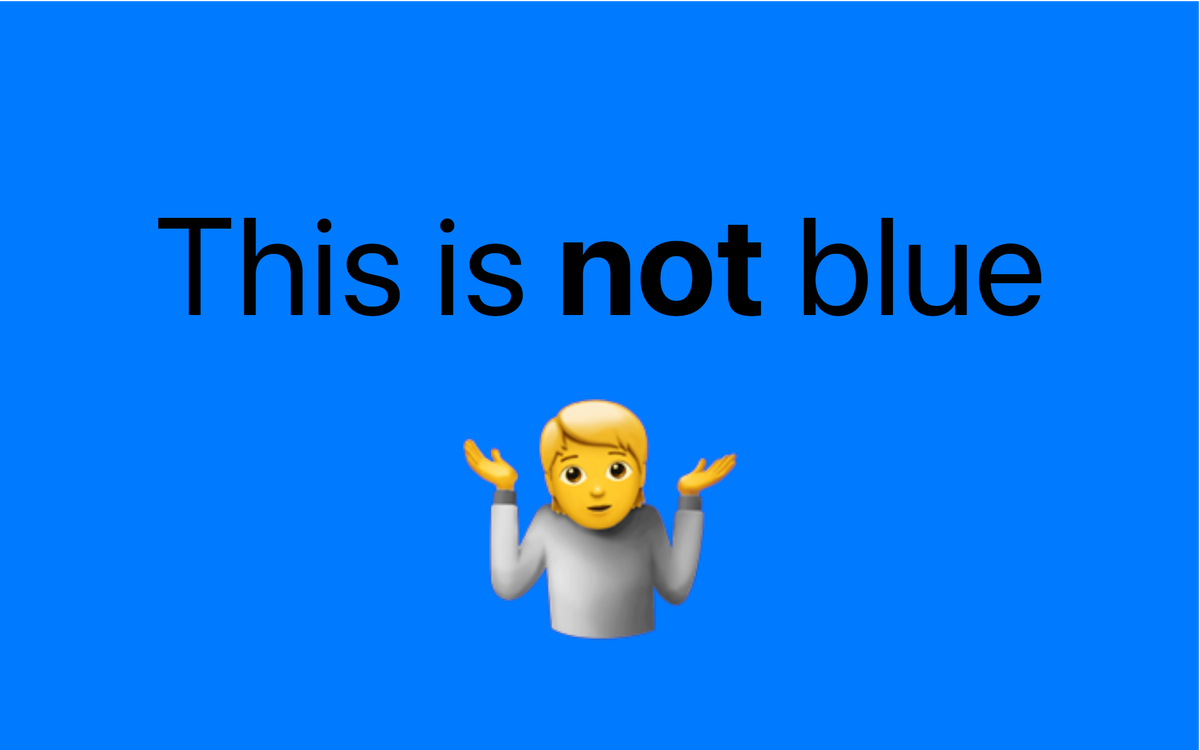
We’ve all experienced the situation:
You make a beautiful app and choose every color carefully. It looks clean and polished. Then you switch to dark mode. Suddenly text is hard to read, buttons disappear and your design falls apart.
Let me show you how to avoid these problems when using colors on iOS and macOS.
All iOS and macOS colors are listed in this article. You might want to bookmark it for later reference.
Warning: not all “blue” colors are the same blue color.
Read to end to find out why.
Also, check out these colors: Blue and Red and Purple (last is for anime fans). Which is your favorite? (send your response to [email protected]).
Why use system colors instead of fixed colors?
iOS and macOS provide a set of system colors. Use these instead of fixed colors to always adapt to the environment (light or dark mode, high contrast accessibility setting).
Since they adapt to the current environment, the displayed color changes based on the current settings. (e.g. .systemBlue in light mode differs from dark mode)
Using system colors ensures that your app always looks great and is accessible to everyone.
For detailed usage instruction, check Apple Design Guidelines: Color.
Fixed colors (UIKit and AppKit)
There are fixed colors that always stay the same regardless of the OS or environment.
SwiftUI doesn't have built-in fixed colors; however, you can convert UIKit colors to SwiftUI colors. To convert to SwiftUI Color, simply pass the UIColor to the Color(uiColor:) constructor.
| Name | Color |
|---|---|
| blue | #0000FF |
| brown | #996633 |
| cyan | #00FFFF |
| green | #00FF00 |
| magenta | #FF00FF |
| orange | #FF7F00 |
| purple | #7F007F |
| red | #FF0000 |
| yellow | #FFFF00 |
| gray | #7F7F7F |
| lightGray | #AAAAAA |
| darkGray | #555555 |
| white | #FFFFFF |
| black | #000000 |
How to access colors:
- UIKit: UIColor.colorName (e.g. UIColor.blue)
- AppKit: NSColor.colorName (e.g. NSColor.blue)
Color.colorName (e.g. Color.blue) will actually use the adaptive UIColor.systemBlue in the background, not the fixed blue colorSystem colors (UIKit, SwiftUI and AppKit)
System colors change according to the current settings.
There are two types of system colors:
- standard colors — usual colors (e.g. blue, red, yellow, …)
- element colors — used for UI elements (e.g. labels, backgrounds, …)
- their names signify their usage pretty clearly (e.g.
.labelColoris mainly used for text)
- their names signify their usage pretty clearly (e.g.
Standard colors
iOS (UIKit: UIColor)
| Name | Light | Dark | Light (Accessible) |
Dark (Accessible) |
|---|---|---|---|---|
| systemBlueColor | #007AFF | #0A84FF | #0040DD | #409CFF |
| systemBrownColor | #A2845E | #AC8E68 | #7F6545 | #B59469 |
| systemCyanColor | #32ADE6 | #64D2FF | #0071A4 | #70D7FF |
| systemGreenColor | #34C759 | #30D158 | #248A3D | #30DB5B |
| systemIndigoColor | #5856D6 | #5E5CE6 | #3634A3 | #7D7AFF |
| systemMintColor | #00C7BE | #63E6E2 | #0C817B | #63E6E2 |
| systemOrangeColor | #FF9500 | #FF9F0A | #C93400 | #FFB340 |
| systemPinkColor | #FF2D55 | #FF375F | #D30F45 | #FF6482 |
| systemPurpleColor | #AF52DE | #BF5AF2 | #8944AB | #DA8FFF |
| systemRedColor | #FF3B30 | #FF453A | #D70015 | #FF6961 |
| systemTealColor | #30B0C7 | #40C8E0 | #008299 | #5DE6FF |
| systemYellowColor | #FFCC00 | #FFD60A | #B25000 | #FFD426 |
| systemGrayColor | #8E8E93 | #8E8E93 | #6C6C70 | #AEAEB2 |
| systemGray2Color | #AEAEB2 | #636366 | #8E8E93 | #7C7C80 |
| systemGray3Color | #C7C7CC | #48484A | #AEAEB2 | #545456 |
| systemGray4Color | #D1D1D6 | #3A3A3C | #BCBCC0 | #444446 |
| systemGray5Color | #E5E5EA | #2C2C2E | #D8D8DC | #363638 |
| systemGray6Color | #F2F2F7 | #1C1C1E | #EBEBF0 | #242426 |
macOS (AppKit: NSColor)
| Name | Light | Dark | Light (Accessible) |
Dark (Accessible) |
|---|---|---|---|---|
| systemBlueColor | #007AFF | #0A84FF | #0040DD | #409CFF |
| systemBrownColor | #A2845E | #AC8E68 | #7F6545 | #B59469 |
| systemCyanColor | #55BEF0 | #5AC8F5 | #0071A4 | #70D7FF |
| systemGreenColor | #28CD41 | #32D74B | #007D1B | #31DE4B |
| systemIndigoColor | #5856D6 | #5E5CE6 | #3634A3 | #7D7AFF |
| systemMintColor | #00C7BE | #63E6E2 | #0C817B | #63E6E2 |
| systemOrangeColor | #FF9500 | #FF9F0A | #C93400 | #FFB340 |
| systemPinkColor | #FF2D55 | #FF375F | #D30F45 | #FF6482 |
| systemPurpleColor | #AF52DE | #BF5AF2 | #AD44AB | #DA8FFF |
| systemRedColor | #FF3B30 | #FF453A | #D70015 | #FF6961 |
| systemTealColor | #59ADC4 | #6AC4DC | #008299 | #5DE6FF |
| systemYellowColor | #FFCC00 | #FFD60A | #A05A00 | #FFD426 |
| systemGrayColor | #8E8E93 | #98989D | #69696E | #98989D |
iOS and macOS (SwiftUI: Color)
SwiftUI uses by default adaptive colors when using the Color data structure. These provide the same result as the colors with the “.system” prefix.
Color.redis the same asUIColor.systemRed(on iOS)NSColor.systemRed(on macOS)
- And so on …
UI element colors
iOS (SwiftUI: Color)
SwiftUI doesn’t provide distinct colors for specific UI elements. Instead, it offers a limited set of colors that broadly reflect their purpose.
| Name | Light | Dark | Light (Accessible) |
Dark (Accessible) |
|---|---|---|---|---|
| primary | #000000 | #FFFFFF | #000000 | #FFFFFF |
| secondary | #3B3B4399 | #EBEBF599 | #3B3B43CC | #EBEBF5B2 |
| accentColor | #007AFF | #0A83FF | #0040DD | #409CFF |
primary— primary labelssecondary— secondary labels, similar to primary but it’s a bit transparentaccentColor— accent color of the app, can be set for each app
iOS (UIKit: UIColor)
| Name | Light | Dark | Light (Accessible) |
Dark (Accessible) |
|---|---|---|---|---|
| labelColor | #000000 | #FFFFFF | #000000 | #FFFFFF |
| secondaryLabelColor | #3C3C4399 | #EBEBF599 | #3C3C43CC | #EBEBF5B2 |
| tertiaryLabelColor | #3C3C434C | #EBEBF54C | #3C3C43B2 | #EBEBF58C |
| quaternaryLabelColor | #3C3C432D | #EBEBF528 | #3C3C438C | #EBEBF566 |
| systemFillColor | #78788033 | #7878805B | #78788047 | #78788070 |
| secondarySystemFillColor | #78788028 | #78788051 | #7878803D | #78788066 |
| tertiarySystemFillColor | #7676801E | #7676803D | #76768033 | #76768051 |
| quaternarySystemFillColor | #74748014 | #7676802D | #74748028 | #76768042 |
| placeholderTextColor | #3C3C434C | #EBEBF54C | #3C3C43B2 | #EBEBF58C |
| tintColor | #007AFF | #0A84FF | #0040DD | #409CFF |
| systemBackgroundColor | #FFFFFF | #000000 | #FFFFFF | #000000 |
| secondarySystemBackgroundColor | #F2F2F7 | #1C1C1E | #EBEBF0 | #242426 |
| tertiarySystemBackgroundColor | #FFFFFF | #2C2C2E | #EBEBF0 | #363638 |
| systemGroupedBackgroundColor | #F2F2F7 | #000000 | #EBEBF0 | #000000 |
| secondarySystemGroupedBackgroundColor | #FFFFFF | #1C1C1E | #FFFFFF | #242426 |
| tertiarySystemGroupedBackgroundColor | #F2F2F7 | #2C2C2E | #EBEBF0 | #363638 |
| separatorColor | #3C3C4349 | #54545899 | #3C3C435E | #545458AD |
| opaqueSeparatorColor | #C6C6C8 | #38383A | #C6C6C8 | #38383A |
| linkColor | #007AFF | #0984FF | #007AFF | #0984FF |
macOS (AppKit: NSColor)
| Name | Light | Dark | Light (Accessible) |
Dark (Accessible) |
|---|---|---|---|---|
| labelColor | #000000 | #FFFFFF | #000000 | #FFFFFF |
| secondaryLabelColor | #3C3C4399 | #EBEBF599 | #3C3C43CC | #EBEBF5B2 |
| tertiaryLabelColor | #3C3C434C | #EBEBF54C | #3C3C43B2 | #EBEBF58C |
| quaternaryLabelColor | #3C3C432D | #EBEBF528 | #3C3C438C | #EBEBF566 |
| systemFillColor | #78788033 | #7878805B | #78788047 | #78788070 |
| secondarySystemFillColor | #78788028 | #78788051 | #7878803D | #78788066 |
| tertiarySystemFillColor | #7676801E | #7676803D | #76768033 | #76768051 |
| quaternarySystemFillColor | #74748014 | #7676802D | #74748028 | #76768042 |
| placeholderTextColor | #3C3C434C | #EBEBF54C | #3C3C43B2 | #EBEBF58C |
| tintColor | #007AFF | #0A84FF | #0040DD | #409CFF |
| systemBackgroundColor | #FFFFFF | #000000 | #FFFFFF | #000000 |
| secondarySystemBackgroundColor | #F2F2F7 | #1C1C1E | #EBEBF0 | #242426 |
| tertiarySystemBackgroundColor | #FFFFFF | #2C2C2E | #EBEBF0 | #363638 |
| systemGroupedBackgroundColor | #F2F2F7 | #000000 | #EBEBF0 | #000000 |
| secondarySystemGroupedBackgroundColor | #FFFFFF | #1C1C1E | #FFFFFF | #242426 |
| tertiarySystemGroupedBackgroundColor | #F2F2F7 | #2C2C2E | #EBEBF0 | #363638 |
| separatorColor | #3C3C4349 | #54545899 | #3C3C435E | #545458AD |
| opaqueSeparatorColor | #C6C6C8 | #38383A | #C6C6C8 | #38383A |
| linkColor | #007AFF | #0984FF | #007AFF | #0984FF |
Since iOS and macOS are different platforms, they have different UI components so they also have a different set of UI element colors available.
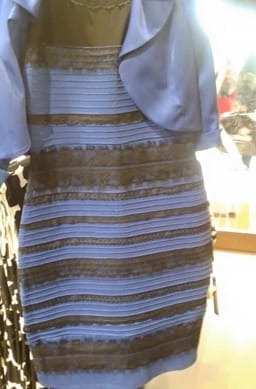
Easter egg: What color is the dress?
This is an edge case, but luckily iOS developers don’t need to handle it.